By BeginnerWallets Editorial Team | Updated: Dec 13, 2025
URGENT SCAM ALERT:
Tangem(Links may be affiliate links) DOES NOT have a customer support phone number.
If you find a phone number on Google claiming to be Tangem Support, IT IS A SCAM. Do not call it. Scammers use these fake numbers to steal your seed phrase and funds.The ONLY official way to contact Tangem is via email:
[email protected]
If you are frantically searching for a Tangem Wallet support number because your digital assets aren’t showing up or you cannot access your wallet, stop immediately. Tangem operates exclusively through digital support channels.
Tangem AG, the Swiss company behind the wallet, does not offer telephone support. This design choice is intentional to ensure security and prevent social engineering. This guide outlines the correct, safe methods to get help and serves as a step-by-step guide to solving common technical issues yourself.
Official Tangem Contact Methods
Since you cannot call them, here is how you actually reach the team.
1. Email Support (Primary)
For all inquiries—whether it’s about receiving cryptocurrency, a bug in the wallet app, or shipping—this is the only direct line.
- Email:
[email protected] - Response Time: Typically 24-48 hours (Mon-Fri).
- What to include: Your order number and app logs. Never include your access code.
2. Online Help Center & Blog
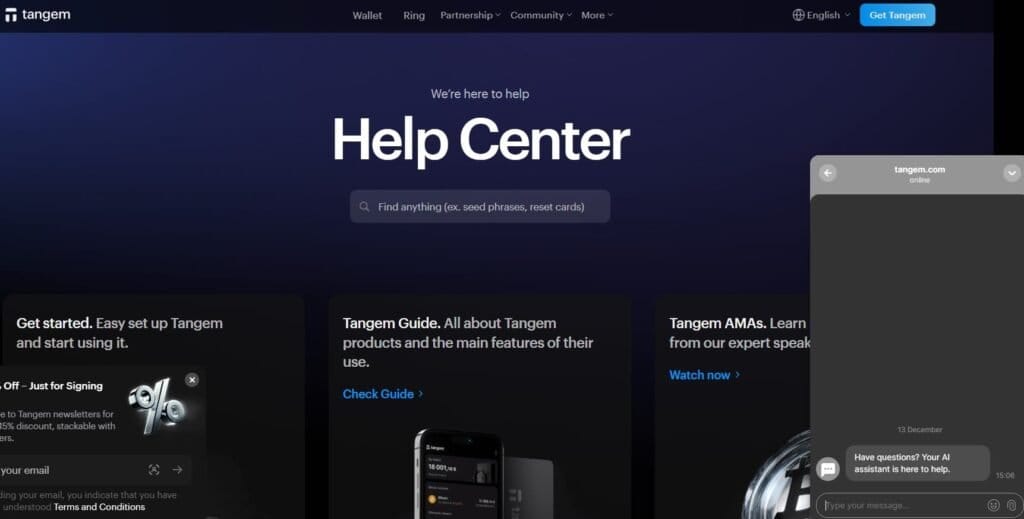
Before emailing, check the Tangem Blog and Help Center at tangem.com. These resources cover everything from setting up the wallet to advanced crypto management.
3. In-App Chat
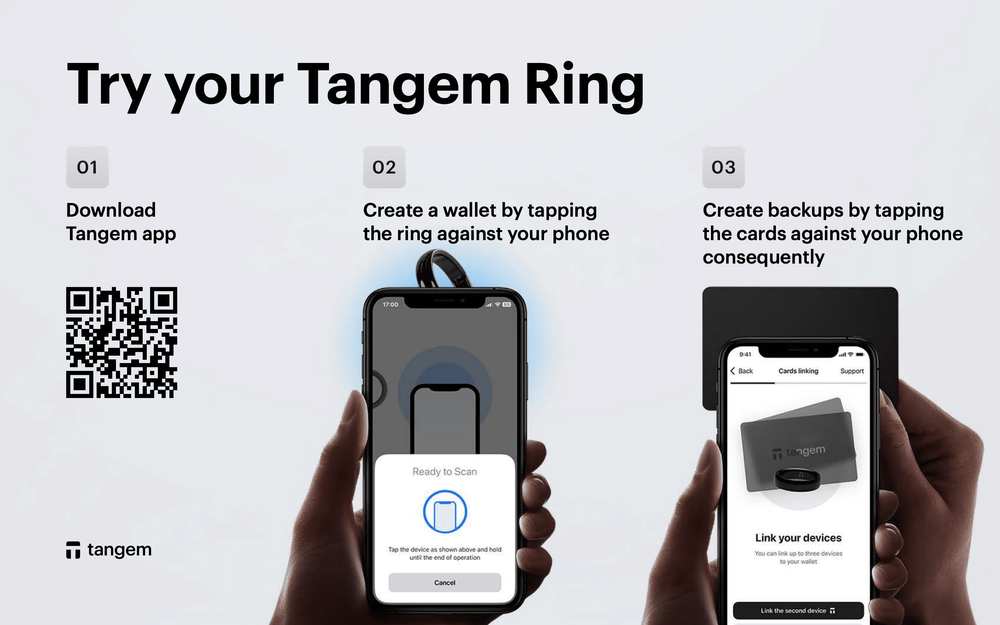
Open the Tangem App and go to “Support”. This is the fastest way to get help because it automatically attaches diagnostic logs (like your app version) to the ticket.
Why Tangem Has No Phone Support (Security First)
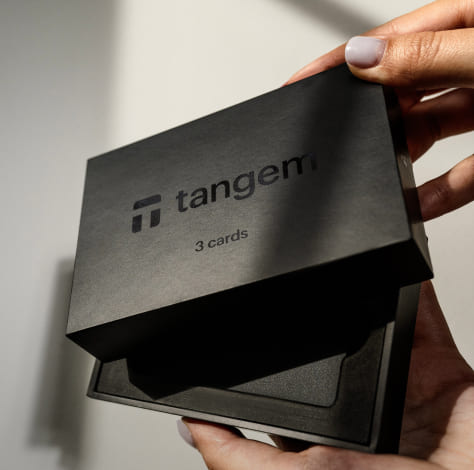
Tangem is often cited as the best crypto wallet for beginners because of its “smart card” design. Unlike hot wallets (like MetaMask) that live on the internet, Tangem is a hardware wallet—a physical device that keeps keys offline.
Telephone support introduces a massive vulnerability: Social Engineering.
- A hacker on the phone could convince you to read out your access code or private keys.
- By keeping support strictly via email/chat, Tangem staff can verify they are talking to the real user without ever asking for sensitive data.
- This model protects your wallet from unauthorized access better than any call center could.
Quick Fixes: Solve Your Issue Without Support
Most users looking for support are facing one of these three common problems. You can fix them yourself right now.
Issue 1: “Card Not Scanning” (NFC Issues)
If your mobile device isn’t reading your Tangem device, it’s rarely a broken card. It’s usually an issue with the NFC module.
- The Problem: You tap the card, but nothing happens.
- The Fix: First, ensure your phone is NFC-enabled and you need to enable NFC in settings.
- Locating the NFC Module:
- iPhone: The location of the NFC module is at the very top edge. Hold the card there.
- Android: It is usually in the middle or near the camera. Check your user manual or search online for your specific model.
- Tip: When scanning your Tangem, hold it steady for 2-3 seconds. Do not just quickly tap the wallet.
- Note: Not all thick cases fully support NFC. Remove your case if scanning fails. This applies whether you use the Tangem card or ring.
Issue 2: “My Token is Missing”
You sent Ethereum or Binance Coin to your wallet, but the balance is zero.
- Fact: Your funds are on the blockchain, not in the app.
- Fix: Open the Tangem App main screen.
- Fix: Scroll down to “Manage tokens.”
- Fix: Search for the specific cryptocurrencies (e.g., USDT) and make sure the correct network is toggled ON.
- Fix: Reload the main screen. The balance should appear. The wallet supports thousands of coins and tokens; you just need to enable them.
Issue 3: “Lost My Access Code”
Your access code is like a PIN. Tangem protects against brute-force attacks by enforcing a delay after wrong attempts.
- Fix: If you forgot it, you can reset it using a backup card. This is why it is crucial to create a wallet with the full pack (2 or 3 cards).
- Note: If you enabled using a seed phrase (optional during setup), you can also recover using that.
Tangem vs. Other Wallets
Tangem is one of the best cold wallets that prioritizes user experience above all else.
- Ease of Use: No cables, no batteries. Just use NFC.
- Security: EAL6+ certified chip.
- Ratings: High Google ratings and App Store ratings reflect its reliability.
While cryptocurrency wallets can be complex, Tangem simplifies the process. You can even connect to dapps via WalletConnect to use DeFi services, or create multiple wallets within the same app to segregate your crypto assets.
Frequently Asked Questions (FAQ)
What is the Tangem wallet customer service number?
Tangem does not have a customer service phone number. Support is provided exclusively via email at [email protected]. Any phone number you find online is a scam.
How do I contact Tangem for urgent issues?
For urgent issues, email [email protected] with “URGENT” in the subject line, or use the in-app chat feature within the Tangem App.
Is there a Tangem support chat?
Yes, you can access support chat directly through the Tangem App settings menu, which also helps attach diagnostic logs for faster resolution.
Summary
Tangem offers a secure way to store cryptocurrency safely, free from the hacking risks of online exchanges. The trade-off is that there is no “customer service hotline.”
- Phone Number: None.
- Official Support:
[email protected]. - First Step: Download the Tangem App from the App Store or Google Play.
- Security Rule: Never share your passphrase, seed phrase, or private keys with anyone.
By understanding how to sign crypto transactions via NFC functionality and relying on official blockchain technology for verification, you ensure total access to your funds without needing a support agent.
If you ever need to generate a seed phrase or reset a card, the Tangem app guides you through it safely. For everything else, the email team is ready to help.