By BeginnerWallets Editorial Team | Updated: Dec 6, 2025
Why Trust Us? – Our team spent over 50 hours testing 20+ wallets. We funded them with real crypto, performed recovery tests, and contacted customer support to grade them fairly. We do not accept payment for reviews.
“Don’t lose your crypto just because you picked the wrong wallet.”
Imagine buying a gold bar and leaving it on a park bench. That is exactly what you are doing if you leave your Bitcoin on a crypto exchange without protection. The nature of crypto is decentralized, meaning you are your own bank. But to be a bank, you need a vault. That vault is your crypto wallet.
With hundreds of wallets on the market, choosing the best crypto wallet is overwhelming. Do you need a hot wallet or a cold wallet?
In this guide, we cut through the noise to find the best wallet for your needs. We tested popular hardware wallets and software apps to bring you the 8 best crypto wallets for 2025.
Quick Winners: The Top 3 Picks for Beginners
- 🥇 Best for Mobile: Trust Wallet
- 🥈 Best for Desktop: Exodus
- 🥉 Best for Security: Ledger Nano S Plus
Hot Wallets vs. Cold Wallets: The 30-Second Explanation
Before we list the types of crypto wallet, you need to understand the basics. Crypto wallets come in two main categories:
- Hot Wallets: Software apps connected to the internet. Think of this like the physical wallet in your pocket. It’s great for ease of use and buying coffee, but you wouldn’t keep your life savings in it. Hot wallets are better for active trading.
- Cold Wallets: Hardware devices that keep keys offline (cold storage). Think of this like a bank vault. Hardware wallets are ideal for storing large amounts of crypto long-term.
Hot wallets are always connected, making them vulnerable to online hacks, unlike hot wallets, cold wallets are offline and much safer.
Top Hot Wallets (Free & Easy)
We selected these software wallet options because they are user-friendly and powerful.
1. Trust Wallet (Best Mobile Wallet)
Rating: ⭐⭐⭐⭐⭐ (5/5)
Trust Wallet is a powerhouse mobile wallet owned by Binance. It supports millions of different types of cryptocurrency.
- Why we love it: It allows you to buy crypto directly in the app. It is a non-custodial crypto wallet, meaning you have total control of your crypto.
- Best for: Users who want access to your crypto on the go.
Pros:
- ✅ Completely free to download.
- ✅ Supports almost every coin in the crypto world.
- ✅ Built-in browser for dApps.
Cons:
- ❌ Customer support can be slow.
- ❌ No desktop version available.
2. Exodus (Best for Desktop)
Rating: ⭐⭐⭐⭐½ (4.5/5)
Exodus is our top pick for the best visual experience. It is a non-custodial wallet with a beautiful design.
- Why we love it: It supports a huge number of crypto assets and has built-in crypto exchange features. The wallet also syncs with Trezor hardware wallets.
- Best for: Beginners who want a stunning portfolio view.
Pros:
- ✅ Most beautiful interface on the market.
- ✅ Wallet allows easy staking for rewards.
- ✅ Great 24/7 customer support.
Cons:
- ❌ Not completely open-source.
- ❌ Exchange fees within the app can be high.
3. Coinbase Wallet (Best for Bridging)
Rating: ⭐⭐⭐⭐ (4/5)
Note: This is different from the Coinbase exchange app. Coinbase Wallet is a standalone app.
- Why we love it: It integrates seamlessly with the largest U.S.-based crypto exchange, making it easy to move funds.
- Best for: People already using Coinbase who want to move to self-custody.
Pros:
- ✅ Very easy to backup to Google Drive/iCloud (optional).
- ✅ Trusted brand reputation.
Cons:
- ❌ Fewer features than Trust Wallet.
- ❌ Wallet may struggle with niche altcoins.
4. MetaMask (Best for Web3)
Rating: ⭐⭐⭐⭐ (4/5)
While slightly more technical, MetaMask is the standard for accessing decentralized apps (dApps).
- Why we love it: It is the gateway to the crypto world of NFTs and DeFi.
- Best for: Exploring the decentralized web.
Pros:
- ✅ Works with almost every decentralized app.
- ✅ Available as a browser extension and mobile app.
Cons:
- ❌ Only supports Ethereum-compatible chains (no Bitcoin).
- ❌ Can be confusing for absolute beginners.
Top Cold Wallets (Secure & Long-Term)
For crypto investors holding significant value, cold storage is non-negotiable.
5. Ledger Nano S Plus (Best User Experience)
Rating: ⭐⭐⭐⭐⭐ (5/5)
If you want cold storage without breaking the bank, this is it. Ledger is the industry standard.
- Why we love it: Hardware wallets allow you to sleep at night. It keeps your keys offline. The Ledger Live app makes managing your crypto assets easy.
- Best for: Secure cold storage on a budget.
Pros:
- ✅ Affordable price point.
- ✅ Supports over 5,500 coins.
- ✅ Wallets are generally safer with its Secure Element chip.
Cons:
- ❌ Not touchscreen (buttons can be tedious).
- ❌ No Bluetooth (unlike the Nano X).
6. Trezor Safe 3 (Best for Security)
Rating: ⭐⭐⭐⭐⭐ (5/5)
Trezor invented the hardware wallet. The Safe 3 adds a secure element chip for extra protection.
- Why we love it: Open-source and highly secure. Wallets are generally safer when open-source.
- Best for: Paranoid security seekers.
Pros:
- ✅ Fully open-source transparency.
- ✅ New “Secure Element” chip for extra safety.
- ✅ Beginner-friendly price.
Cons:
- ❌ Touchscreen feels a bit small.
- ❌ Fewer native staking options than Ledger.
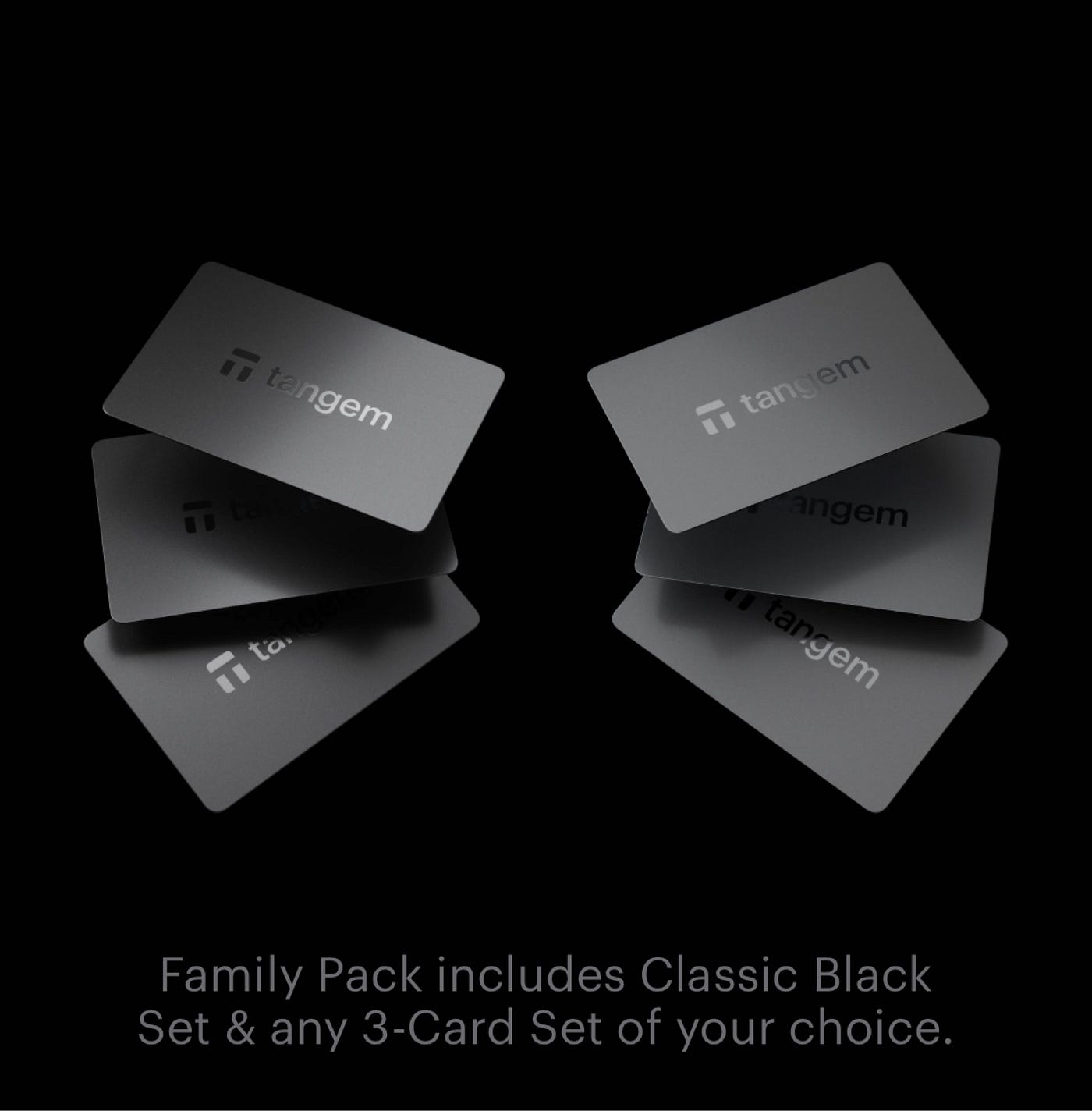
7. Tangem (Best Card-Shaped Wallet)
Rating: ⭐⭐⭐⭐½ (4.5/5)
A hardware wallet that looks like a credit card. No batteries, no cables.
- Why we love it: Incredible ease of use. Just tap it to your phone.
- Best for: Beginners who hate cables.
Pros:
- ✅ Easiest setup of any hardware wallet (3 minutes).
- ✅ Durable and waterproof.
Cons:
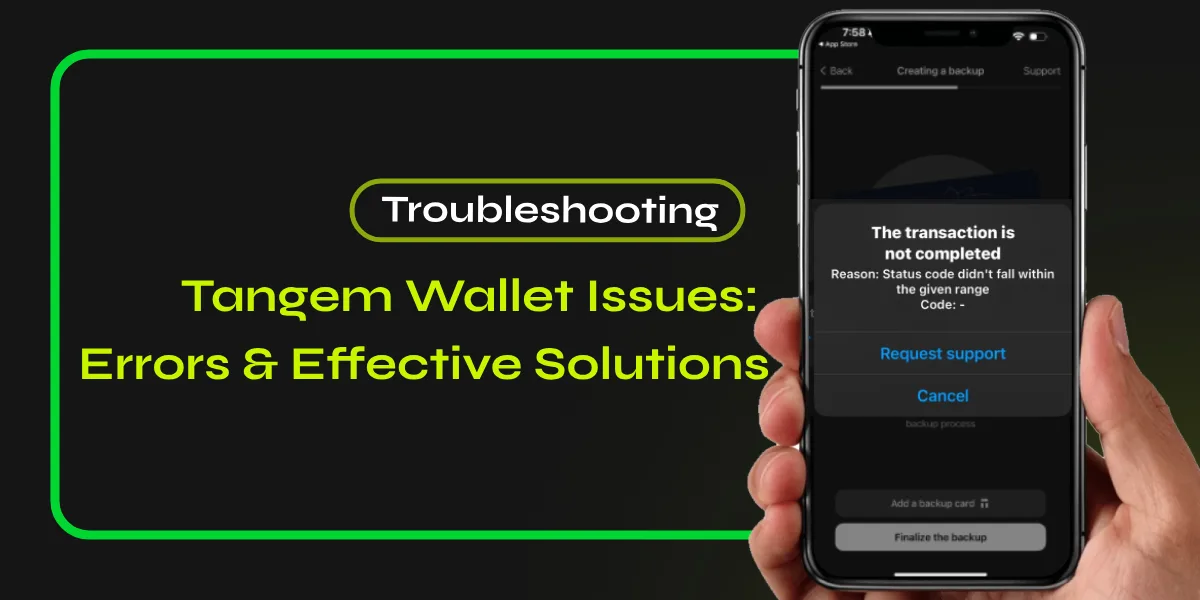
- ❌ If you lose the card (and didn’t backup), funds are gone.
- ❌ No screen to verify transactions.
8. Keystone 3 Pro (Best Touchscreen)
Rating: ⭐⭐⭐⭐ (4/5)
A premium air-gapped wallet with a large touchscreen.
- Why we love it: Completely offline (QR code signing).
- Best for: Advanced security.
Pros:
- ✅ Large, easy-to-read touchscreen.
- ✅ 100% Air-gapped (never touches USB or Bluetooth).
Cons:
- ❌ More expensive than Ledger/Trezor.
- ❌ Slightly steeper learning curve.
Quick Comparison: Top 8 Wallets at a Glance
| Wallet Name | Type | Best For | Cost | Beginner Score |
|---|---|---|---|---|
| Trust Wallet | Hot (Mobile) | Daily Use | Free | 5/5 |
| Exodus | Hot (Desktop) | Visuals | Free | 4.5/5 |
| Coinbase Wallet | Hot (Mobile) | Ease of Use | Free | 4/5 |
| MetaMask | Hot (Browser) | Web3/DeFi | Free | 3/5 |
| Ledger Nano S Plus | Cold (Hardware) | Value | ~$79 | 4.5/5 |
| Trezor Safe 3 | Cold (Hardware) | Security | ~$79 | 5/5 |
| Tangem | Cold (Hardware) | Simplicity | ~$50 | 5/5 |
| Keystone 3 Pro | Cold (Hardware) | Touchscreen | ~$129 | 4/5 |
(Note: Prices are estimated and subject to change.)
How to Choose Your First Wallet?
Still confused? Use this scenario guide to pick for the best option:
- Investing under $1,000? Start with a free hot wallet like Trust Wallet. The risk is low, and it’s free.
- Investing over $5,000? You need a crypto wallet that is cold. Buy a Ledger or Trezor. The cost of the device is a small insurance premium for your digital wealth.
- Active Trader? Use a hot wallet for daily trades and a cold wallet for profits. Most crypto users have multiple wallets.
Wallets give you freedom, but remember: if you lose your seed phrase (the backup code automatically generated by the crypto wallet), your funds are gone. Wallets are deliberately designed so that only you can access them.
FAQ: Common Beginner Questions
What is a “Seed Phrase”? (And why is it vital?)
Think of your seed phrase as the master key to your bank vault. It is a list of 12 to 24 random words generated when you set up your wallet. If you lose your phone or hardware wallet, this phrase is the only way to get your money back. Never share it.
What are “Gas Fees”?
When you send crypto, you pay a transaction fee to the network miners, known as a gas fee. This fee doesn’t go to the wallet provider; it goes to the blockchain network to process your transaction.
Is it safe to share my wallet address?
Yes! Your wallet address is like your email address or bank account number. You can safely share it with anyone who wants to send you money. Just remember: share your address (public key), but never share your seed phrase (private key).
What is the easiest crypto wallet to use?
For beginners, Exodus and Trust Wallet are the easiest. Their interfaces are intuitive, and they allow you to buy crypto directly.
Is it safe to keep crypto on an exchange?
No. Crypto exchanges are popular targets for hackers. If you leave your funds there, you are using a custodial wallet, meaning you don’t own the keys. We recommend moving funds to a non-custodial wallet for safety.
Can I store Bitcoin in any wallet?
Most wallets allow you to store Bitcoin, but not all (e.g., MetaMask doesn’t). Always check the types of cryptocurrency supported before downloading.
Do crypto wallets charge fees?
The wallet app itself is usually free. However, when you send cryptocurrency, you must pay a network fee (gas fee) to the blockchain miners. Some wallets (like Exodus) also charge a small spread if you use their built-in crypto exchange feature.
Are hot wallets safe?
Hot wallets are connected to the internet, so they are vulnerable to malware. However, wallets are better for active use. For large amounts, hardware wallets are ideal.
Conclusion
Whether you choose a software wallet like Exodus or a hardware wallet like Ledger, the most important step is to set up a crypto wallet today.
Wallets are always safer than exchanges. Get the best possible security for your crypto holdings. Start with one of these 8 best crypto wallets, secure your seed phrase, and take control of your financial future in 2025.