By BeginnerWallets Editorial Team | Updated: Nov 29, 2025
- Update Log: Added 2025 security benchmarks for iOS vs. Windows; included new data on “hybrid” wallet setups.
Entering the world of crypto can be overwhelming, especially when deciding how to secure your digital wealth. Choosing the right cryptocurrency wallet is the first and most critical step in your journey. The debate often comes down to two popular choices: the convenience of a mobile wallet versus the robust control of a desktop wallet.
Whether you hold Bitcoin or diverse crypto assets, understanding the specific type of wallet you use is essential to prevent a hack and ensure your funds remain safe.
What Are Crypto Wallets?
A crypto wallet doesn’t simply hold your coins like a physical wallet holds cash. Instead, wallets allow you to interact with the blockchain and manage your private key—the secret code that grants access to your funds.
Most beginners start with a software wallet, which is a program that runs on your devices. These are typically hot wallets because they connect to the internet to facilitate quick transactions. While convenient, being online means they carry different risks compared to an offline cold wallet.
Mobile Wallets: Crypto on the Go
A mobile wallet is an app installed on your smartphone. It is designed for speed and accessibility, making it the go-to choice for everyday crypto usage.
Pros of Mobile Wallets
- Convenience: A mobile device is always with you, allowing you to send or receive cryptocurrency anywhere.
- User-Friendly: Apps like Trust Wallet are built for beginners, offering simple interfaces to buy and store your crypto.
- QR Codes: Mobile wallets offer camera integration for scanning QR codes, making in-person payments instant.
Cons and Risks
Because a mobile wallet is always on a device that connects to public networks, it is a form of hot wallet. If your phone is lost or infected with malware, your crypto could be at risk. Security features like biometrics (FaceID) are helpful, but they don’t make the wallet invulnerable to a sophisticated hack.
What If I Lose My Phone?
Don’t panic. As long as you have your recovery phrase (those 12-24 words you wrote down during setup), you can restore your wallet on any other device. Remember: The crypto lives on the blockchain, not inside the phone itself. This is why backing up that phrase offline is the single most important security step you will ever take.
Desktop Wallets: The Power User’s Choice
A desktop wallet is software downloaded and installed on your personal computer or laptop. For many, the desktop environment provides a sense of stability and control that mobile apps cannot match.
Why Choose a Desktop Wallet?
- Advanced Features: Desktop wallets—like the user-friendly Exodus or the Bitcoin-focused Electrum—often provide detailed charts, portfolio tracking, and the ability to run a full node, giving you more power over your crypto.
- Security: A desktop wallet can be safer than a mobile one if the computer is secured properly. You can even set up a desktop computer to remain offline for cold storage signing.
- Hardware Integration: Most desktop interfaces pair seamlessly with a hardware device to maximize security.
However, desktop wallets are not without flaws. If your computer is compromised by a virus or keylogger, your private key can be stolen. Unlike mobile wallets, which benefit from the sandboxed environment of phone operating systems, a desktop OS can sometimes be more vulnerable to system-wide malware.
The Gold Standard: Hardware Wallets and Cold Storage
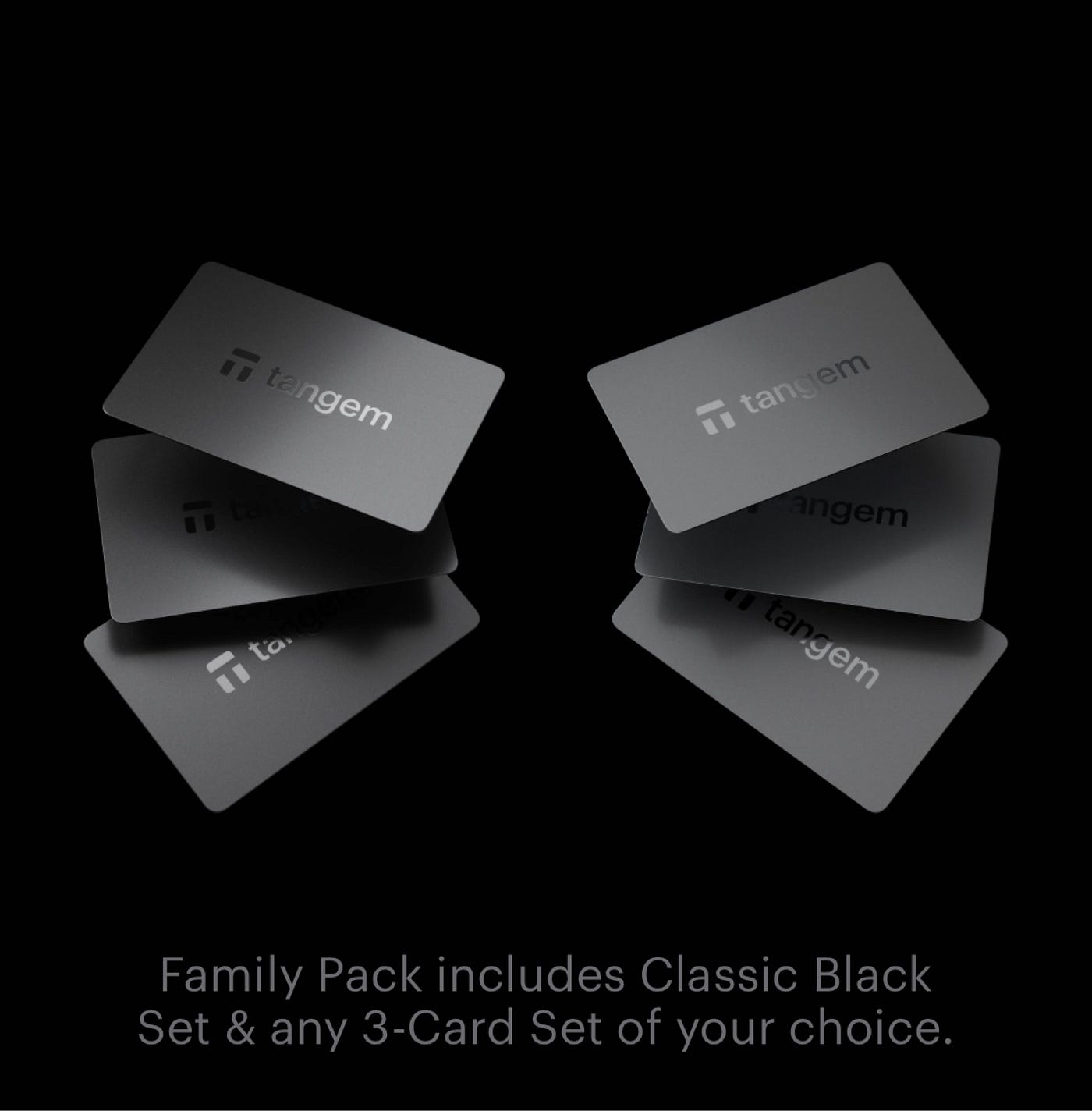
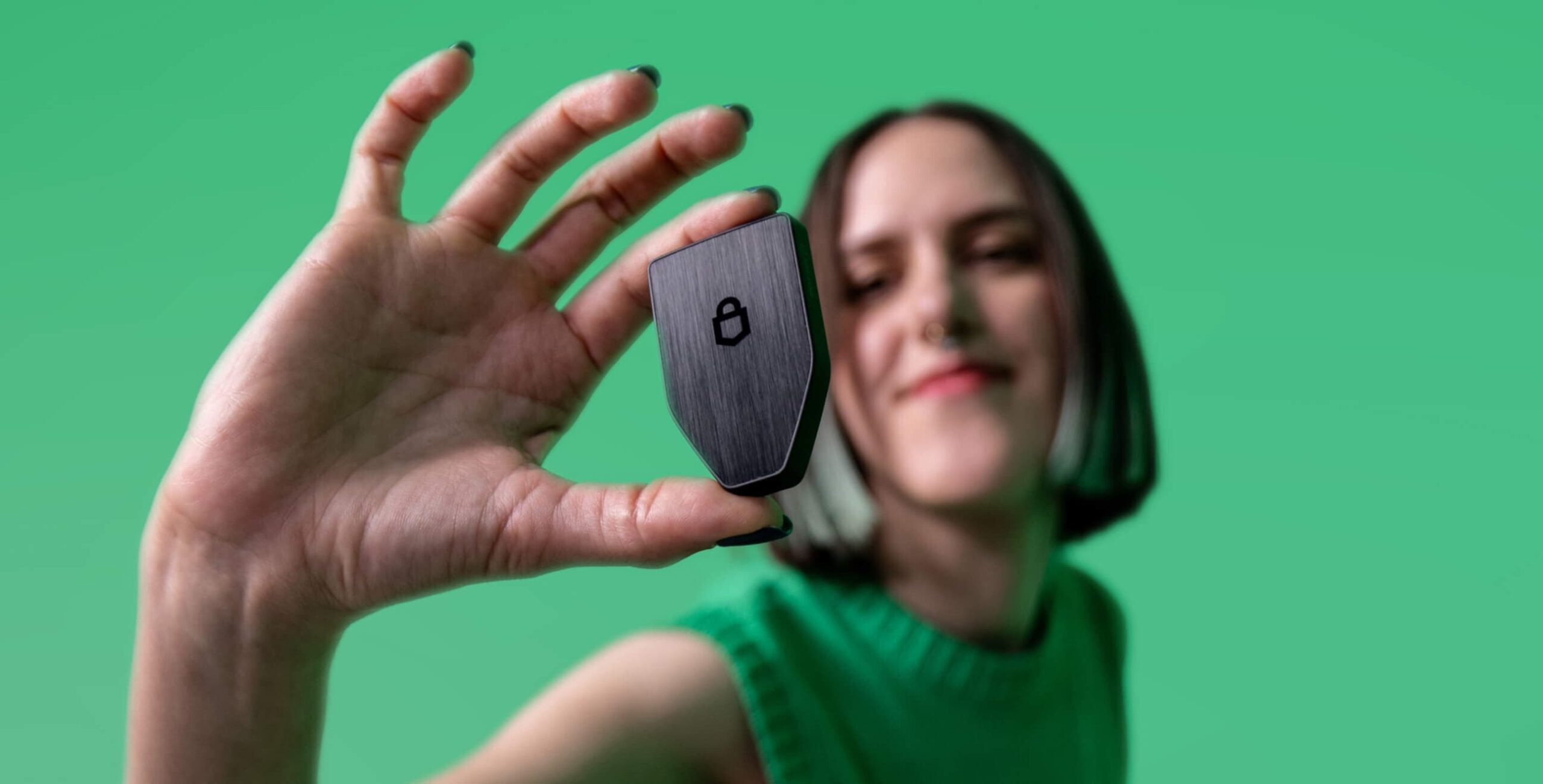
If you are serious about crypto, you will eventually need a hardware wallet. A hardware wallet is a physical device (like a USB stick) that keeps your private key completely offline.
By connecting a hardware wallet to your desktop wallet interface, you get the best of both worlds: the usability of a software wallet software and the unhackable security of a cold wallet. Even if your computer has a virus, the hardware wallet prevents the private key from ever being exposed to the internet. This is the safest way to store cryptocurrency long-term.
Comparison: Mobile and Desktop Wallets
When weighing mobile and desktop wallets, consider your daily needs:
| Feature | Mobile Wallet | Desktop Wallet |
|---|---|---|
| Device | Mobile device (iOS/Android) | PC/Mac/Linux |
| Type | Hot wallet (Always online) | Hot wallet (can be offline) |
| Security | Moderate (Good for small amounts) | High (If managed correctly) |
| Best For | Quick transaction & payments | Management & Hardware wallet pairing |
Pro Tip from the Team: The “10% Rule”
At BeginnerWallets, we recommend a hybrid strategy. Keep only 10% of your portfolio in a mobile wallet for easy spending (like “cash in your pocket”), while the remaining 90% stays locked in a hardware wallet paired with a desktop interface. This approach balances daily convenience with maximum security against a potential hack.
Which is Best for You?
The right choice depends on how you use crypto.
- For Spenders: If you need to make a quick transaction at a cafe, a mobile wallet is your best bet.
- For Investors: If you are managing a large portfolio of bitcoin or other coins, a desktop wallet provides the screen real estate and advanced tools you need.
- For Savers: Never keep your life savings on a hot wallet (mobile or desktop). Move the bulk of your funds to a hardware wallet to keep them offline and safe from any potential hack.
Ultimately, many users find that using mobile and desktop solutions together—synced or separated for different purposes—is the most effective strategy in the modern crypto landscape.
About the Author
Written by the BeginnerWallets Editorial Team
Reviewed by Ryan Mitchell, Technical Lead.
Our team of researchers tests every wallet strictly against our proprietary security framework to ensure you get safe, actionable advice.